




Your home is getting smarter every year, and smart home sensors are a big part of why.
From detecting movement to tracking temperature, air quality, and water leaks, these small devices do a surprising amount of work.
And the best part? There are solid options for every budget, every home size, and every type of tech user.
This blog takes you through the main types of home sensors, what each one actually does, and what to look for before you spend a dime.
What Exactly are Smart Home Sensors and How Do They Work?
Before you start shopping, it helps to understand what home sensors are and how they fit into your home.
Smart home sensors are small devices that detect changes in your environment, movement, temperature, moisture, light, and more.
Each one has three core parts: a sensor that captures data, a microprocessor that processes it, and a communication system that sends information to your phone or smart hub.
Most home motion sensors connect through Wi-Fi (easy setup, no hub needed), Zigbee or Z-Wave (more stable, longer battery life, requires a hub), or Bluetooth (best for short-range monitoring).
Once connected, they pair with Amazon Alexa, Google Home, or Apple HomeKit. You control everything through an app, no electrician needed.
Types of Smart Home Sensors You Can Buy Today
There’s no single sensor that does everything. Each type is built for a specific job. Knowing the difference helps you figure out what your home actually needs and what you can hold off on.
1. Home Motion Sensor
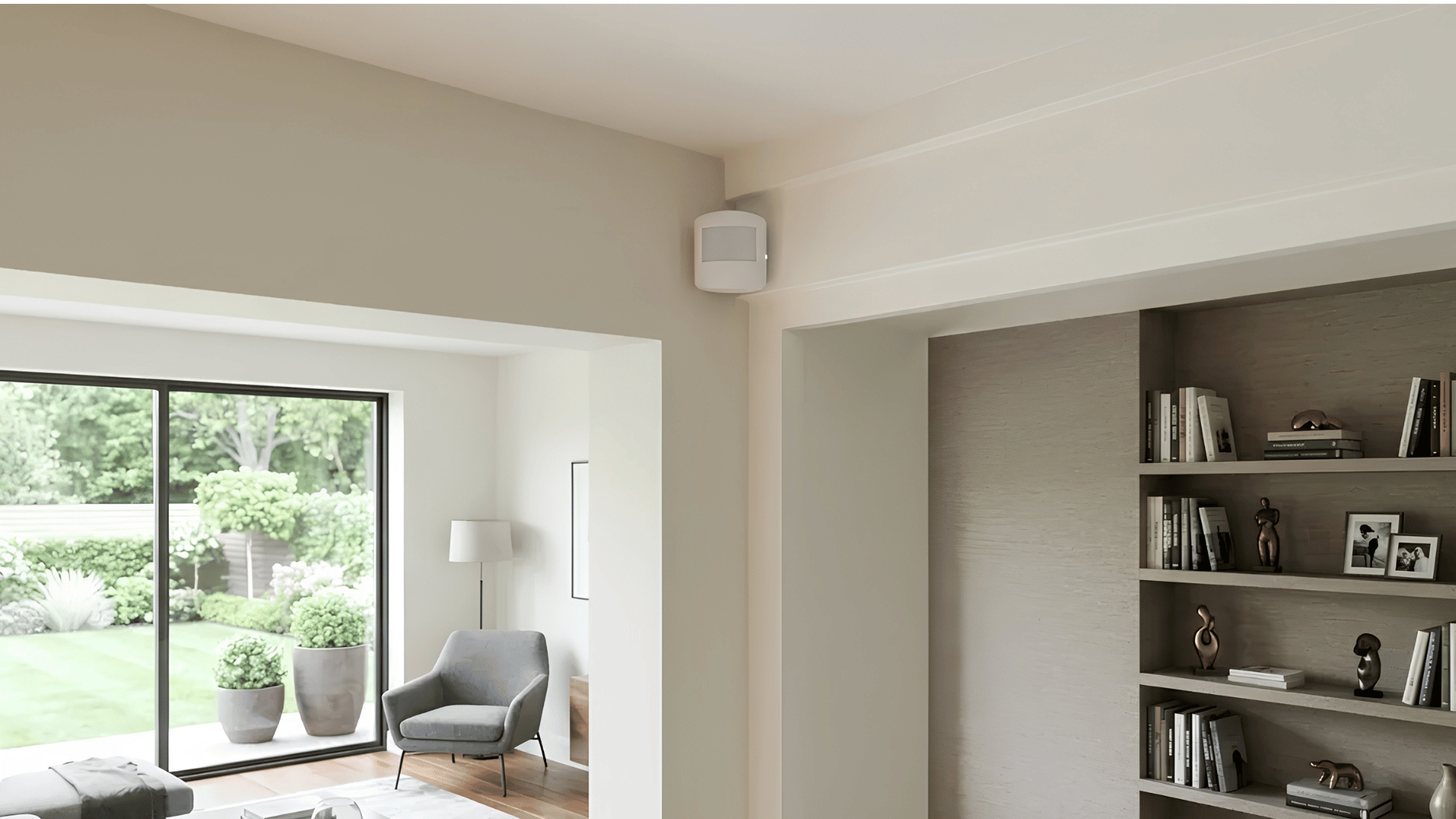
A home motion sensor is one of the most practical – and affordable – first buys for any smart home.
Most use PIR (passive infrared) technology to detect movement and trigger an action: a light, an alert, or a camera recording. Best placements include entryways, hallways, and garages.
- Top picks: Philips Hue Motion Sensor (~$30), Aqara Motion Sensor P1 (~$20), Ring Alarm Motion Detector (~$25).
- Available at Amazon, Best Buy, and Home Depot.
2. Door and Window Sensors

Two small pieces on a door frame – when they separate, you get an alert. Simple, but useful. Use them for security notifications, to know when kids get home, or to trigger smart automations.
Some models can even detect broken glass.
- Top picks: Samsung SmartThings Multipurpose Sensor (~$25), Eve Door & Window (~$40).
- Available at Amazon, Apple Store, and Samsung.
3. Water Leak Sensors
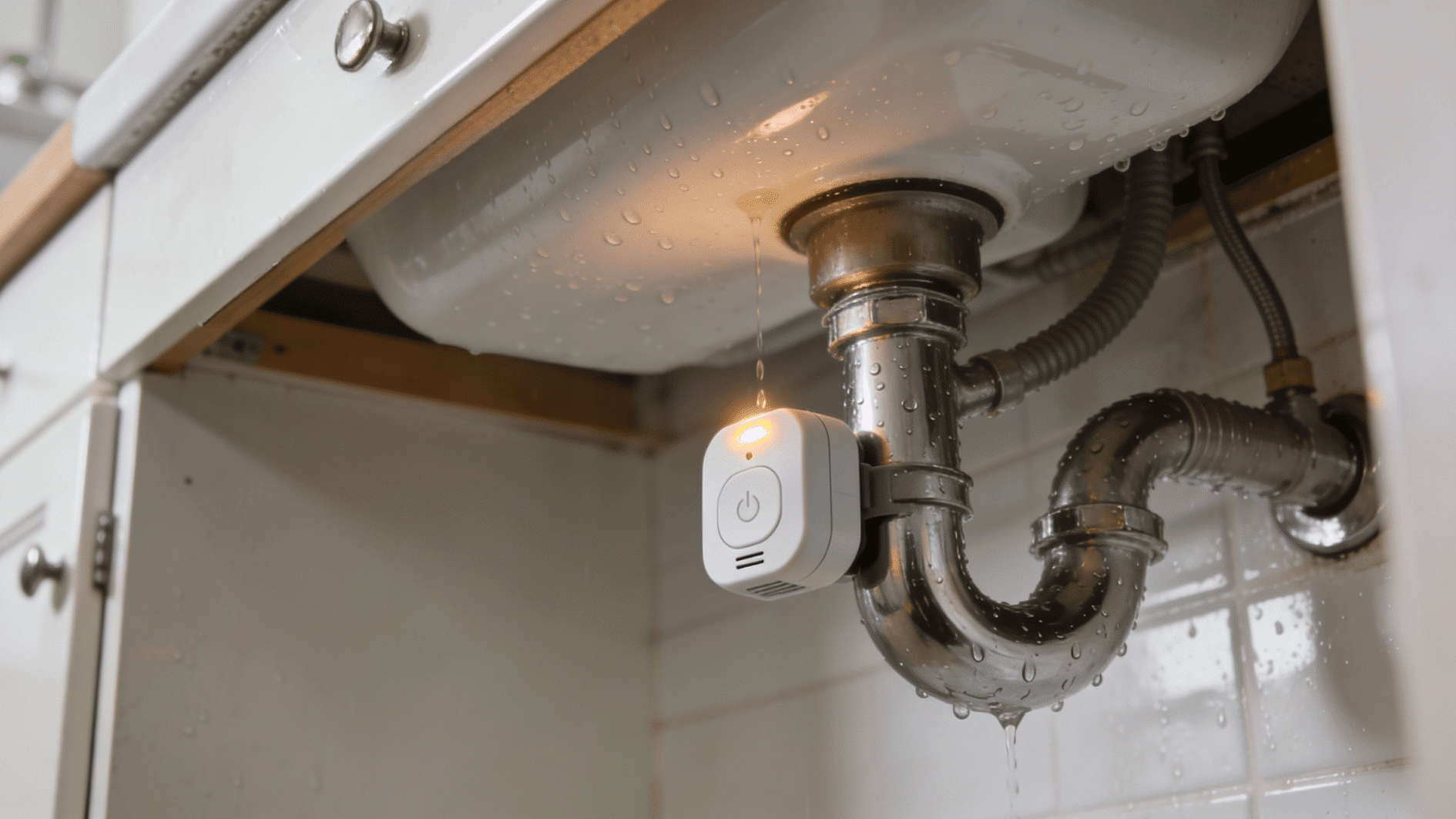
Water damage is the second leading cause of home insurance claims – and a leak can run for hours before you notice. These sensors sit near appliances and ping your phone the moment they detect moisture.
Place them under sinks, near the water heater, and behind the washing machine.
- Top picks: Govee Water Sensor (~$15), Moen Flo (~$50), Honeywell Home Leak Detector (~$30).
- Available at Amazon and Home Depot
4. Temperature and Humidity Sensors
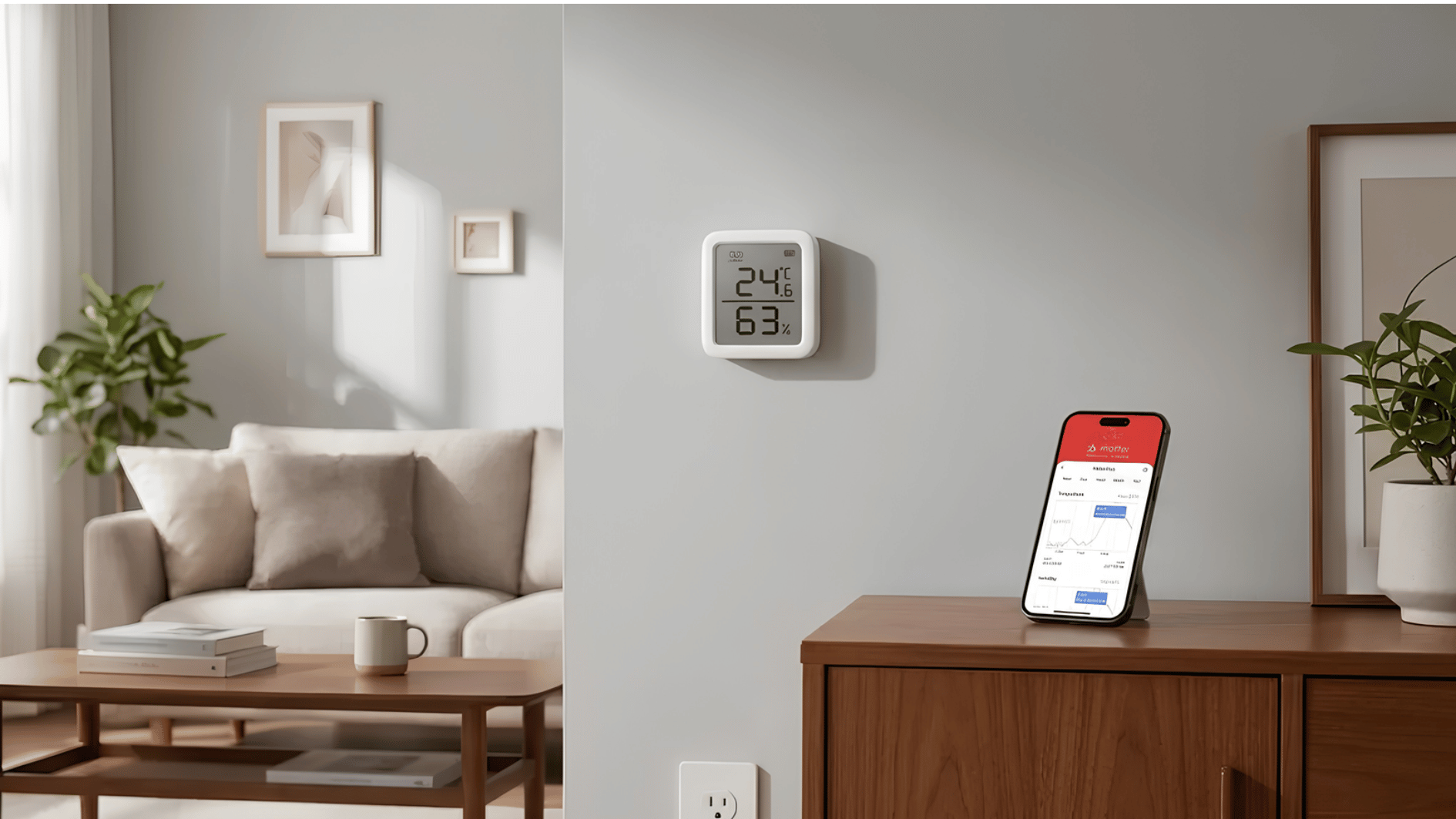
Basements, attics, and garages can quietly get too hot, too cold, or too damp – and you won’t know until damage is done.
These sensors monitor conditions in real time and can automate your thermostat.
- Top picks: Govee Bluetooth Hygrometer (~$10–$15), Ecobee SmartSensor (~$80 for a 2-pack), SensorPush HT1 (~$50).
- Available at Amazon, Best Buy, and Ecobee’s website.
5. Smoke and Carbon Monoxide Sensors
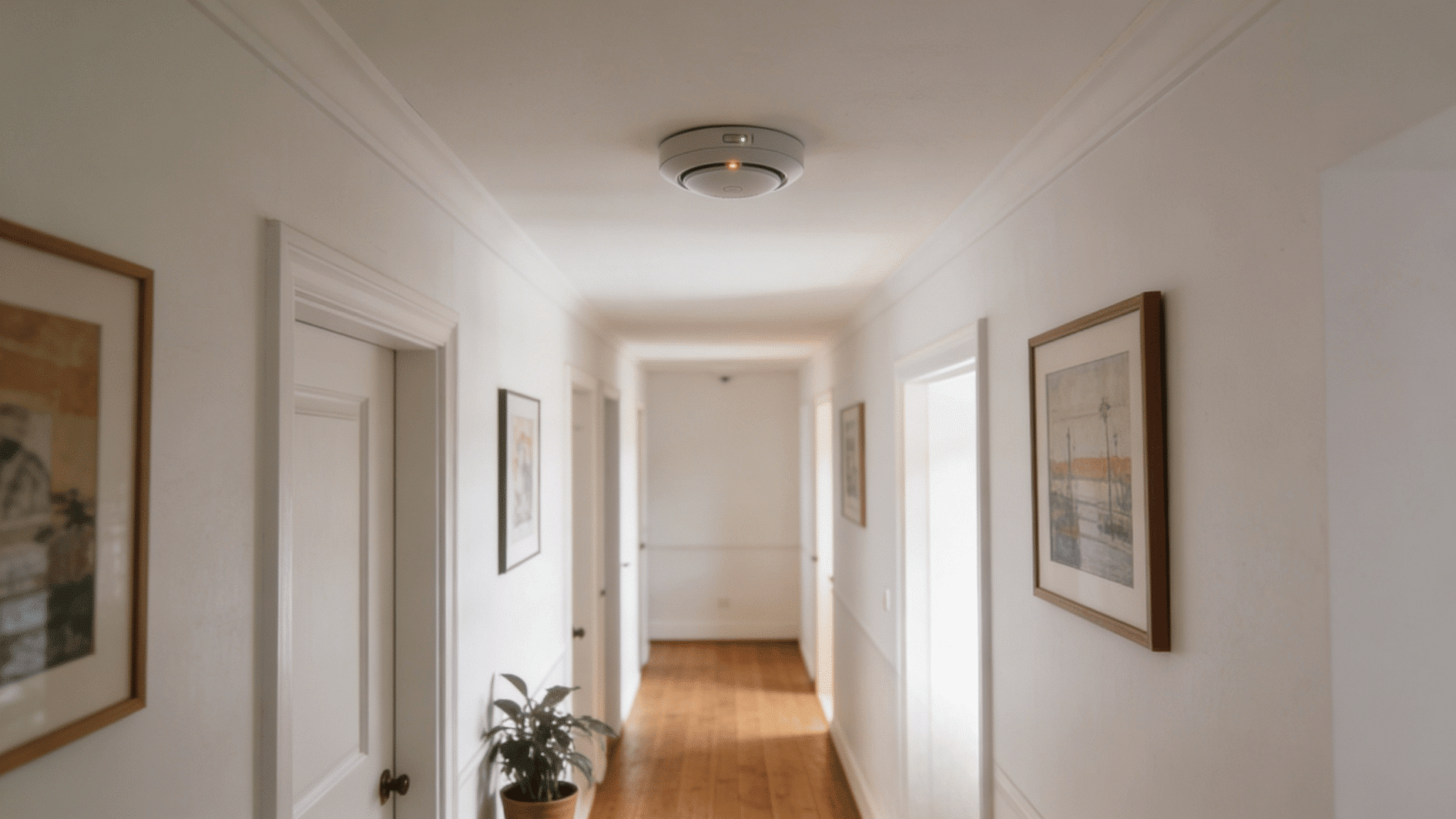
A smoke detector you’ve had for years isn’t the same as a smart one. Smart smoke and CO sensors send alerts directly to your phone – even when you’re not home – so you can act fast or call for help remotely.
Carbon monoxide is odorless and completely undetectable without a sensor, making it one of the most silent household dangers.
- Top picks: Google Nest Protect (~$119), First Alert Onelink Safe & Sound (~$100), Kidde Smart Smoke + CO Alarm (~$50).
- Available at Amazon, Home Depot, and IQAir’s website
6. Light Sensors

A light sensor detects the room’s natural light level and automatically adjusts your smart lighting. When it gets dark outside, your lights turn on. When the sun comes up, they turn off or dim.
It’s a small addition that reduces manual adjustments and helps lower your energy bill over time.
- Top picks: Aqara Light Sensor (~$18), Philips Hue Outdoor Sensor (~$50 – includes motion + light), Fibaro Light Sensor (~$45).
- Available at Amazon, Best Buy, and Aqara’s website.
What to Look for When Buying Smart Home Sensors
Not all smart home sensors are built the same. Here’s what to check before you hit “add to cart.”
- Compatibility with Your Platform: Verify that the sensor is compatible with your existing setup. A great sensor that doesn’t play nicely with your system is a frustrating waste of money.
- Connectivity Type: Wi-Fi sensors are the easiest to set up – just connect to your router, and you’re done. Zigbee and Z-Wave sensors require a hub, but they tend to be more stable and offer longer battery life.
- Battery Life: Look for sensors that advertise 1–2 years of battery life. Some are hardwired, which means no battery swaps but a slightly more involved install. Most battery-powered sensors run on standard CR2 or AA batteries.
- App Reliability: A sensor is only as good as the app behind it. Before buying, check recent reviews for the brand’s app on the App Store or Google Play. Common complaints include delayed notifications, connectivity drops, and clunky interfaces.
- Price Range: For most buyers, mid-range sensors in the $20–$50 range hit the sweet spot. You get solid reliability, decent app support, and good compatibility without overpaying for features you won’t use.
- Brand Support: Stick with brands that push regular firmware updates and offer customer service. Budget sensors from unknown brands sometimes work fine out of the box, but go unsupported within a year.
The Bottom Line
Smart home sensors are simpler and more affordable than you’d expect.
No matter if you start with a single home motion sensor at your front door or a water leak sensor under your kitchen sink, every device you add gives you more awareness and control over your home.
The key is to start simple, stay within your budget, and build your setup one step at a time.
With trusted brands like Aqara, Ring, Google Nest, and Govee available across Amazon, Best Buy, and Home Depot, getting started has never been easier.
Frequently Asked Questions
Do Smart Home Sensors Work During a Wi-Fi Outage?
Zigbee and Z-Wave sensors on a local hub still work offline. Wi-Fi-only sensors lose remote alerts until your connection comes back.
Can Smart Sensors Be Hacked?
Any connected device carries some risk. Keep firmware updated, use a strong Wi-Fi password, and stick to established brands that release regular security patches.
Will Smart Sensors Work in A Rented Home or Apartment?
Yes. Most mount with adhesive or magnets – no drilling required. Easy to install, easy to take with you when you move.
Do Smart Sensors Lower Home Insurance Premiums?
Some US insurers offer discounts for water leak sensors, smoke detectors, and security sensors. Check directly with your provider to see what qualifies.