


Let me tell you about the afternoon I walked in to find my daughter’s iPad sitting in a ring of blue watercolor paint with a charging cable looped directly under her pair of craft scissors.
The iPad was fine. The cable was fine. But my nerves were not.
If your household has hit this same point — where screen time and craft time have fully merged into one slightly chaotic activity — you know the particular anxiety of watching a kid carry an unprotected tablet across a room with paint-damp hands, or watching a long charging cord wind its way around a glue stick and three markers and just stay there for an entire afternoon.
These aren’t huge problems. But they add up, and they’re genuinely fixable with a couple of pretty small changes.
Here’s what I actually changed about our setup, and why it made craft time way more relaxing for everyone (including me).
Split the Table Into Two Zones
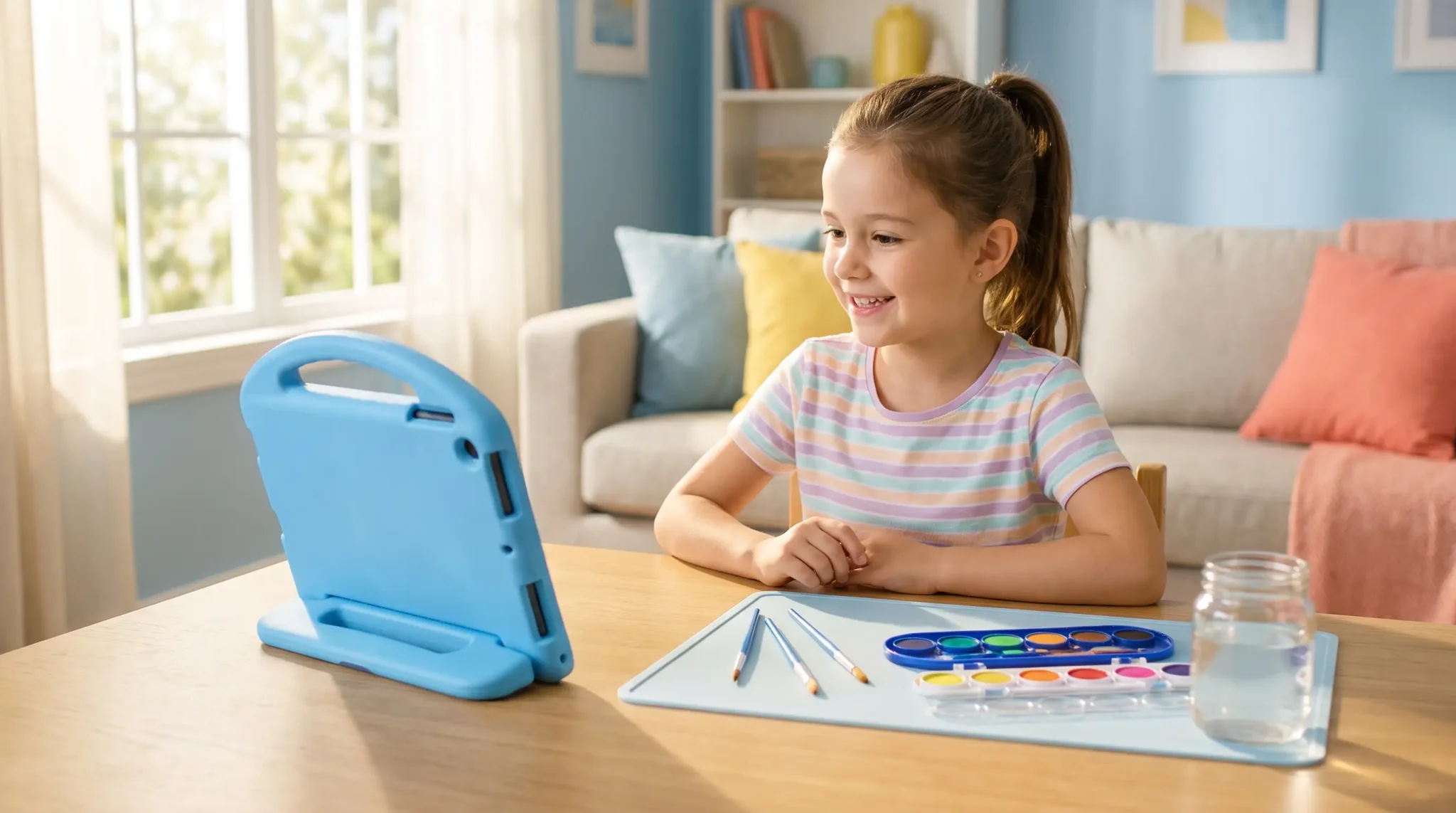
Before anything else: if your kid uses the iPad during craft time, give the table a clear division. One side is the “tech side” — that’s where the iPad lives, propped up on a stable surface, away from water cups and glue.
The other side is where the actual making happens. I use a silicone placemat on the craft side and a plain one on the iPad side. Easy to wipe, easy to see the boundary.
It sounds overly simple, and it kind of is. But once my daughter had a designated spot for the iPad rather than just wherever she set it down, the whole table got less chaotic. She’d set it up at the start, prop it to her video, and leave it there. That’s all I needed.
A Case That’s Actually Designed for How Kids Hold Things
I’ll be real with you: I tried the “just get any cheap kids’ case” approach. Twice. Both times I ended up with something that technically covered the iPad but didn’t actually make it easier for small hands to hold.
My daughter developed this anxious two-handed grip every time she picked up the tablet because she knew the stakes of dropping it. That’s not how craft time is supposed to feel.
The case that actually solved this for us is the ESR Bounce Kids iPad case in sky blue — and the thing I care most about is the Easy-Grip Handle on the back. It’s a large, ergonomic loop that sits across the back panel, and it completely changes how my seven-year-old holds the tablet.
She can pick it up with one hand, carry it across the room, adjust the angle while she’s watching a tutorial — all without the tablet feeling like it’s about to slip. For a kid who’s also got paint on her fingers half the time, that grip is doing a lot of work.
The case also has raised, thicker edges on the back that give children a more secure hold and add drop protection for the inevitable bumps.
There’s a built-in kickstand with a good range of angles, which is what we use almost every time — she props it to her tutorial video, adjusts to whatever angle works for where she’s sitting, and then has both hands free to actually work on her project. It holds position well.
A few things worth knowing: it’s not waterproof (no case really is at this price point, and I’d be skeptical of one that claimed otherwise).
But it wipes clean easily, and the materials are BPA-free and heavy-metal-free, which matters when we’re talking about something kids handle constantly. You can find the kids iPad case here — the sky blue is really cute, though it comes in other colors too.

Deal With the Cord Problem at the Source
This one took me longer to prioritize than it should have. A long charging cable snaking across a craft table isn’t just messy-looking — it’s an actual tripping and pulling hazard.
I’ve watched a cord get caught on an elbow and nearly drag the iPad off the edge of the table. I’ve watched scissors get set down on a cord. Neither ended in disaster, but I could see the path to one pretty clearly.
The solution we landed on is the ESR Xtend 45W GaN retractable wall charger, and the name tells you most of what you need to know. The cable is built into the charger body — it extends to 3.1 feet when you pull it out, and retracts back into the unit when you press the button.
So when the iPad is charging during craft time, there’s about three feet of cord between the outlet and the iPad, and that’s it. No extra length coiled on the table, no cord draped across the art supplies, nothing for scissors to rest against.
Fast charging (45W GaN) means that even if the iPad is low at the start of a project, it catches up during the session without us having to pause. And there’s a second USB-C port on the body, which I’ve been using to charge my own phone at the same time.
One plug, two devices, no mess. The white version blends right into our outlet and the surrounding wall — it genuinely disappears when it’s not actively in use.
You can grab the 45W GaN wall charger with retractable cord here — there are a few color options, though white is my favorite for a craft room setup.

End Every Session With a 30-Second Reset
This is the piece that ties it together. We have two rules at the end of every craft session: press the button to retract the charger cord, and pick up the iPad by the handle and put it back in its spot on the shelf.
My daughter actually enjoys the cord-retract part — there’s something satisfying about that click. It took a couple weeks of prompting before it was automatic, but now she does it without being asked, and the table is consistently ready for the next session because of it.
The handle on the case makes the “carry it to the shelf” step so much more natural than it used to be. She picks it up like a lunch box and walks it over. No fumbling, no anxiety.
These two things — a case with a real grip designed for kids, and a charger that doesn’t leave loose cord lying around — made our craft corner so much calmer. Neither is a dramatic purchase, but together they addressed the two problems I’d been half-ignoring and half-stressing about for months.
What does your kids’ craft setup look like? Have you figured out a way to keep the tech safe when scissors and glue are involved? I’m genuinely curious what’s working for other families — drop it in the comments below!