


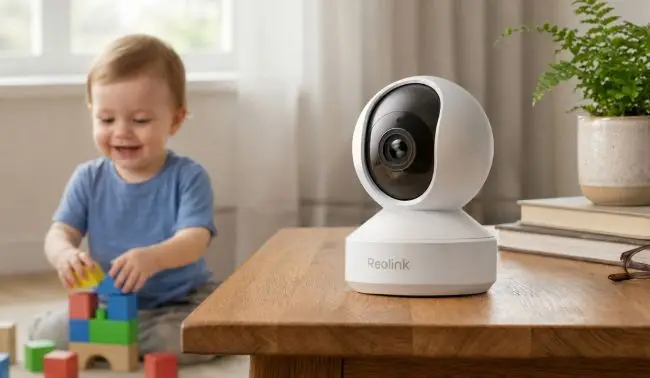
A baby monitor that connects to a phone makes monitoring a baby or toddler a lot easier. Parents can check the live feed on their phones from any location and even receive real-time alerts.
Let’s understand when you can connect a baby monitor to your phone and how to do it. We explain different types of baby monitors that connect to a phone and share important features to consider when buying one.
Can I Connect a Baby Monitor to Phone?
Yes, you can connect a baby monitor to a phone. However, it depends on the baby monitor’s transmission technology or whether it supports phone connectivity and data transmission. Traditional radio-frequency (FHSS) monitors with dedicated handheld screens cannot connect to a smartphone.
Baby monitors are connected to phones through Wi-Fi. They connect to the 2.4 GHz or 5 GHz Wi-Fi network at home. Then, you need to install a compatible mobile application and pair it with the baby monitor. Once connected, you can view the live feed, receive real-time alerts, and manage settings remotely through the mobile app.
Types of Baby Monitor That Connects to Phone
Wi-Fi Baby Monitors
Wi-Fi baby monitors connect directly to your smartphone without needing a dedicated monitor. They are ideal for parents who want to monitor their babies through their phones from any location.
These monitors have a built-in Wi-Fi chip, which is necessary to connect to a Wi-Fi network. Once they are connected to your home network and paired with your phone, they have internet access. You can check the live feed from anywhere, even from out of the country. You receive real-time motion alerts, crying alerts, and sensor data on the app.
Moreover, you can grant access to multiple users, such as both parents and secondary caregivers.
Hybrid Baby Monitors
A hybrid baby monitor combines both traditional radio-frequency and modern Wi-Fi monitors. If you want zero-latency, internet-free monitoring as well as remote monitoring with real-time alerts, this is the perfect option.
It uses a direct RF/RHSS point-to-point wireless link and sends encrypted data to the display. It doesn’t require home Wi-Fi or internet access, so monitoring stays smooth. For in-app live feed streaming, remote monitoring, real-time alerts, and other advanced features, it connects to your home Wi-Fi network.
For those who need continuous monitoring, even if the internet drops, it is the right choice. The dedicated parent screen works even if there is an internet issue. It’s also convenient to monitor babies at night through the screen, and you can use the mobile feed during the day or when you are away from home.
Wearable & Vital-Tracking Monitors
Parents often use this as a secondary device along with baby monitors. Because it does not capture video of the baby; instead, it tracks vitals, such as pulse rate, SpO2, body temperature, etc.
It’s a wearable device like a sock, band, or diaper clip that constantly measures the body vitals. It communicates the recorded data via low-energy Bluetooth to the nearby base station. Then, the data is shown on the smartphone dashboard through Wi-Fi.
If you want to get physiological alerts on your phone if vitals or breathing patterns fall outside preset parameters, you can use such devices. You get real-time alerts to respond immediately and take care of the baby. This is especially important if your baby is sick or has a health condition.
What Features Should You Look for in a Baby Monitor That Connects to Your Phone?
Video Resolution and Night Vision
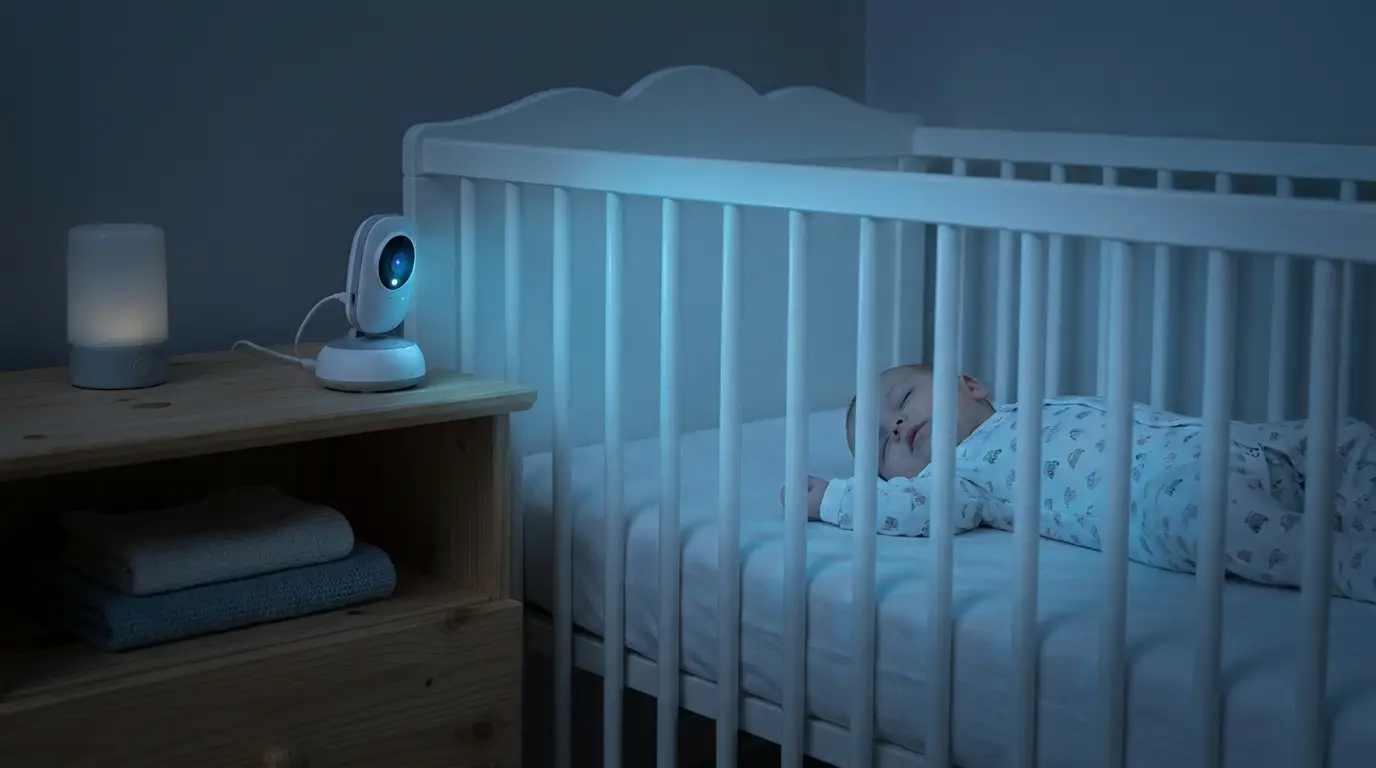
Parents need clear videos to monitor their baby whether it’s day or night. Clear videos are only possible if the baby monitor has a decent video resolution. For rich details and optimal clarity, 4K monitors are ideal. When it is connected to a phone, you can clearly see the faces and objects in the baby room.
Secondly, for night monitoring or when the lights in the room are turned off, the baby monitor requires night vision. Infrared night vision is preferred because it does not disturb the baby’s sleep.
Cry Detection and Smart Alerts
Crying detection and smart alerts are important features that keep parents updated on every activity or moment. When the baby starts crying, the monitor detects it and lets the parent or caretaker know about it so that they can respond immediately.
With smart alerts, parents receive notifications on their phones if there is a person or pet around the baby. They receive real-time alerts on the connected devices.
If your baby monitor has these two features, you don’t have to keep looking at the live feed. You will automatically receive alerts when something important happens.
Two-Way Audio
For calming babies and communicating with the caretaker, two-way audio is important. Imagine you are in another part of the house or outside and the baby starts crying. You can talk to the baby through the baby monitor using the smartphone app and calm him/her down. It is helpful in resettling the baby and in sleep training a toddler.
Similarly, when you want to instruct the caretaker or babysitter, you can directly talk through the monitor’s camera. It facilitates audio from both sides.
Remote Viewing and App Compatibility
If you want to view the live feed from any location via your phone, you need two things: a compatible smartphone application and a remote viewing feature.
Once you install and pair the compatible application, you can receive real-time alerts and remotely control the camera. The remote viewing feature is necessary to stream the live feed. Often, this feature is bound to a monthly subscription in baby monitors. While buying one, confirm there is no subscription needed for remote viewing and other remote features.
Power Supply and Connection Stability
Parents look for a reliable baby monitoring device that can work 24/7 without interruption. For this, the monitor should be wired for continuous and stable power. You don’t need to recharge the battery.
Connection stability is also important. For Wi-Fi monitors, look for dual-band Wi-Fi, 2.4 GHz and 5 GHz support. You can connect to the band that offers optimal performance in your case. Secondly, ensure the monitor has offline recording. It can even record if there is no internet.
Privacy and Data Security
As Wi-Fi baby monitors are connected to the internet, they could expose private family footage. Therefore, the baby monitor must be equipped with security and privacy features. Firstly, the data should be encrypted to prevent unauthorized access and data leakage.
Secondly, the monitor should have built-in features to set a strong password, two-factor authentication, and other safety measures. Modern monitors also have privacy shutters that you can activate when recording is not needed.
Best Baby Monitor That Connects to Your Phone
Reolink E1 Zoom
For reliable connectivity with your phone and monitoring large baby rooms and nurseries, Reolink E1 Zoom is an excellent option. It’s equipped with dual-band Wi-Fi 6 technology, which ensures lag-free live view and instant alerts. Users can easily connect their phones to the camera via a simple Bluetooth setup.
Because of 4K resolution, you can see clear videos on the live feed on your mobile no matter where you are. You can even zoom in on objects with 3X optical zoom. You get real-time alerts on your phone if the baby is crying or there is a person or pet around. You can monitor your baby from any location and have peace of mind when you are out of the home.
Reolink E1 Pro
Reolink E1 Pro is a compact indoor baby monitoring camera you can connect to your phone. You can place it on the table, furniture, or anywhere you want and pair it up with the mobile application. Once paired, you get instant alerts for baby crying and person/pet detection. You can not only see the live feed through your phone but also control the pan and tilt to keep an eye on every corner.
The camera records videos and saves them to the local microSD card. Even if there is no internet, the recording is saved. It also has a privacy mode, so you can keep the space private with just one tap. It’s an affordable option, and it does not require any subscription to connect your phone to it and use advanced features like remote view, real-time alerts, and two-way audio.
How to Connect a Baby Monitor to Your Phone?
Step 1: Find out the compatible app with your baby monitor. Install the app on your phone. You need to create an account.
Step 2: Turn on your phone’s Bluetooth and Wi-Fi, and make sure you connect the phone to the same Wi-Fi network as the baby monitor.
Step 3: Power on the camera. You need to connect the given adapter to it and power it from a nearby outlet.
Step 4: On the app, go to the add new device option. You might need to scan the QR code on the baby monitor or enter the IP or UID.
Step 5: Enter the baby monitor’s name and create a strong password for better privacy and security. Complete the initialization setup.
Step 6: Finally, check the baby monitor in the app. You will have the live feed. Use the two-way audio and check the recordings in the local storage. Once everything is perfect, you can also add other users.
Final Words
Modern baby monitors can connect to your smartphone. They are connected through Wi-Fi and use internet access for live feed, real-time alerts, and two-way audio.
You only need to pair the phone with the baby monitor, and after that, you can access the monitor remotely. If you are looking for a baby monitor that connects to your phone, we have shared some important factors to consider to make your decision easier.
FAQs
Can Baby Monitors Record Conversations?
Yes, baby monitors can record conversations along with the video. However, users can turn it off if they want from the application settings.
Can I Use My Old Phone as A Baby Monitor?
You can use your old phone as a baby monitor by installing a monitoring application. The old phone will work as a camera, and you can see the live feed through another phone. However, it’s not a dedicated baby monitor and lacks the required features.
Can Two Phones Connect to The Same Baby Monitor?
Yes, two or more phones can be connected to the same baby monitor. On modern baby monitors, you can give access to multiple users and even control their usage.